
Skip to content
Penthia Solutions

Penthia interactive displays

One shared surface.
More room to teach.

Interactive smartboards for schools combine a large touch display with presentation and annotation workflows. Penthia’s Vertex family gives you an essential, configurable or premium starting point—then a quote for the room you actually have.

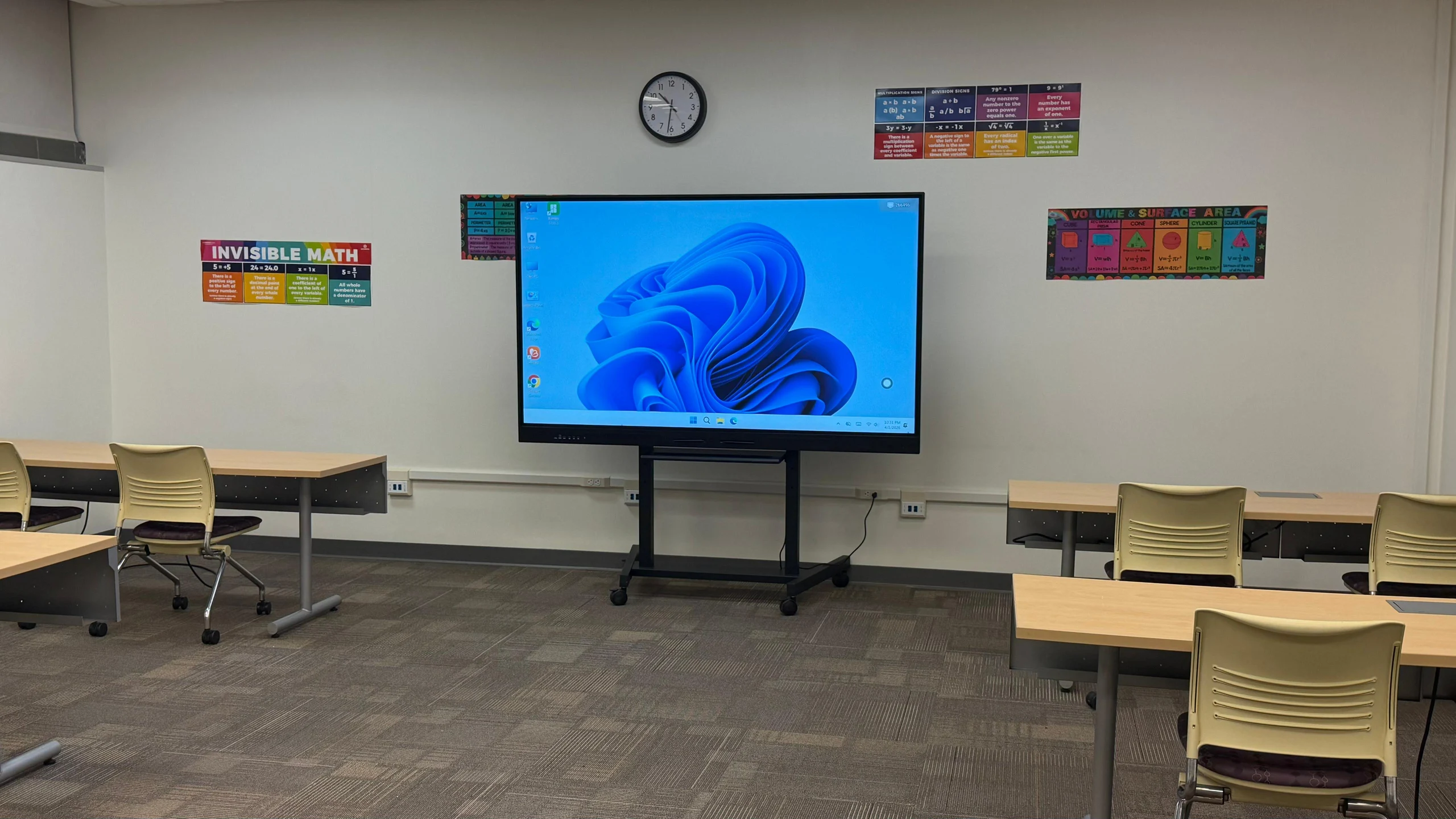
Penthia Vertex Elite interactive display shown on a mobile stand
Vertex Elite shown with a stand. Confirm included accessories in your quote.

What is an interactive smartboard?

A modern interactive flat panel is a display you can touch to control compatible content, write in a whiteboard application or annotate a lesson. It can serve as the shared presentation surface for a classroom without a separate projector.

People often use “smartboard” as a category term. SMART Board is associated with SMART Technologies; Penthia products are Penthia-branded and are not SMART-branded hardware or affiliated with SMART Technologies.

The useful question is what teachers need to do: open a lesson, write through an example, share a device or save the result. Verify each workflow on the configuration you are considering.

The Vertex family

Choose your starting point.

Three classroom models. Listed sizes from 65 to 110 inches, subject to current configuration and availability.

Penthia Vertex Pro

Recommended starting point for most schools

Penthia Vertex Pro

For schools comparing a standard classroom configuration with optional memory, computing and camera upgrades.

Android 14 · 8GB RAM / 128GB storage; optional 16GB / 256GB upgrade

Explore Vertex Pro
See the full comparison

From presenting
to participating.

Touch and annotation

The Vertex lineup lists 4K UHD, anti-glare glass, multi-touch interaction and whiteboard/annotation software. Ask to write, erase, save and reopen an actual lesson. Touch support in a connected application still depends on the complete setup.

A laptop, a shared screen, or room computing

Use a compatible laptop connection, evaluate supported wireless sharing, or ask about optional Windows OPS computing on compatible configurations. Test video, sound and touch separately. Understand the connection paths.

Options that serve a real requirement

Camera/microphone, document-camera, stand and wall-mount choices should follow the teaching plan. Ask what is supported and what is included for the exact model and size. Product images do not define the package contents.

Fit the room.
Then fit the workflow.

  1. Check the view. Test actual lesson text from the last and side seats; diagonal alone is not a room-size recommendation.
  2. Choose the environment. Confirm applications, accounts, laptop connections and whether a dedicated computer is needed.
  3. Plan the placement. Resolve wall or stand compatibility, reach, clearances and access with the facilities team.
  4. Confirm the scope. Have the quote name the configuration, included accessories and any agreed delivery or installation services.

Compare nominal 65, 75, 86, 98 and 110-inch screen dimensions.

Questions worth
asking early.

How much does a school smartboard cost?

Penthia quotes the exact model, size and configuration. Ask for separate line items for computing, software, accessories and any agreed services. There is no single public price for all Vertex configurations.

Are Google applications available?

Availability depends on the selected configuration. Confirm each required application and account workflow. Do not treat Android or Google application access as evidence of Penthia-branded EDLA certification.

Can it replace our projector?

An interactive display may cover presentation and direct-touch activities, but image size, existing equipment and room conditions matter. Compare the tradeoffs fairly before replacing a working system.