
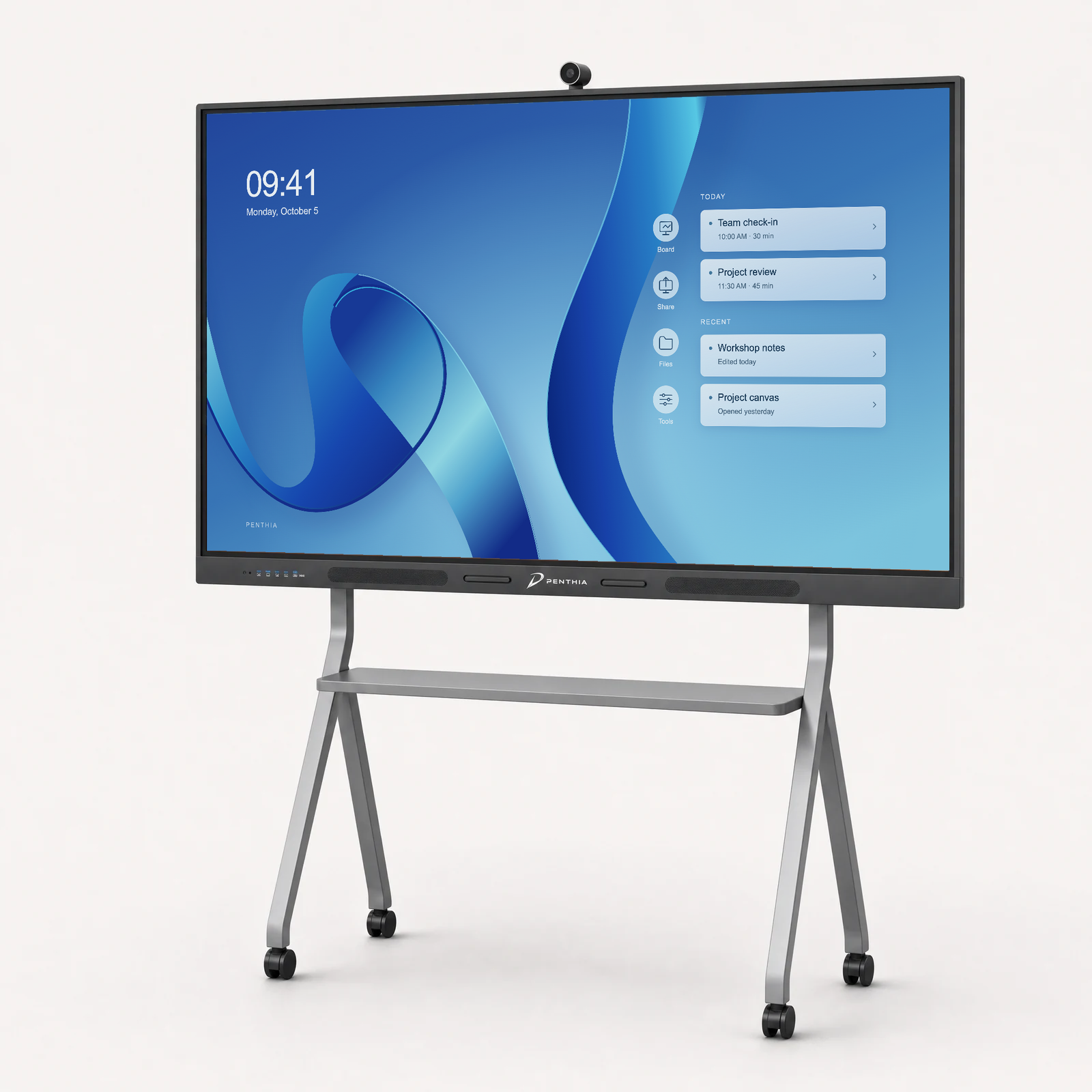
Android + Windows
Vertex Elite
More room for possibility.
A generous Android configuration with a Windows package included. Move between the tools your room needs.
From $3,299 / 65-inch base package
65, 75 & 86 inches
- 1 mobile stand
- 1 wall-mount bracket
- 65-inch: 1 pen; 75-inch: 2 pens; 86-inch: 2 pens
Free shipping within the U.S. Applicable tax confirmed with your quote.
The details
A closer look at Vertex Elite.
The hardware and options for your setup.
- Android platform
- RK3588
- Operating system
- Android 15
- Android memory
- 16GB RAM
- Android storage
- 256GB
- Display sizes
- 65, 75 and 86 inches
- Display resolution
- 4K UHD, 3840 × 2160. Confirm the selected panel on the final specification sheet.
- Touch & writing
- Infrared touch; up to 50 points on supported configurations. Whiteboard and annotation software depend on the supplied configuration.
- Board connectivity
- HDMI, USB-A, touch USB, DisplayPort and full-function front USB-C. Exact port layout and power delivery are configuration-specific.
- Camera
- Optional, none included by default. Model and mounting require confirmation.
- Windows package
- Core i7 Windows package included; performance upgrade +$499.
- Software & Google services
- Supported configurations only. Verify required applications and account policies before ordering.
Start with the essentials
Your board. Ready to plan around.
Every base package includes the display, 1 mobile stand, 1 wall-mount bracket; 65-inch: 1 pen; 75-inch: 2 pens; 86-inch: 2 pens. You do not have to choose between the stand and bracket.
- 1 mobile stand
- 1 wall-mount bracket
- 65-inch: 1 pen; 75-inch: 2 pens; 86-inch: 2 pens
The base Core i7 Windows package is included.
Installation labor and wall-specific fixings are separate. Confirm other cables and package contents in the quote. Camera and promotional devices are separate from the standard hardware.
Explore the iPad Air + Apple Pencil promotion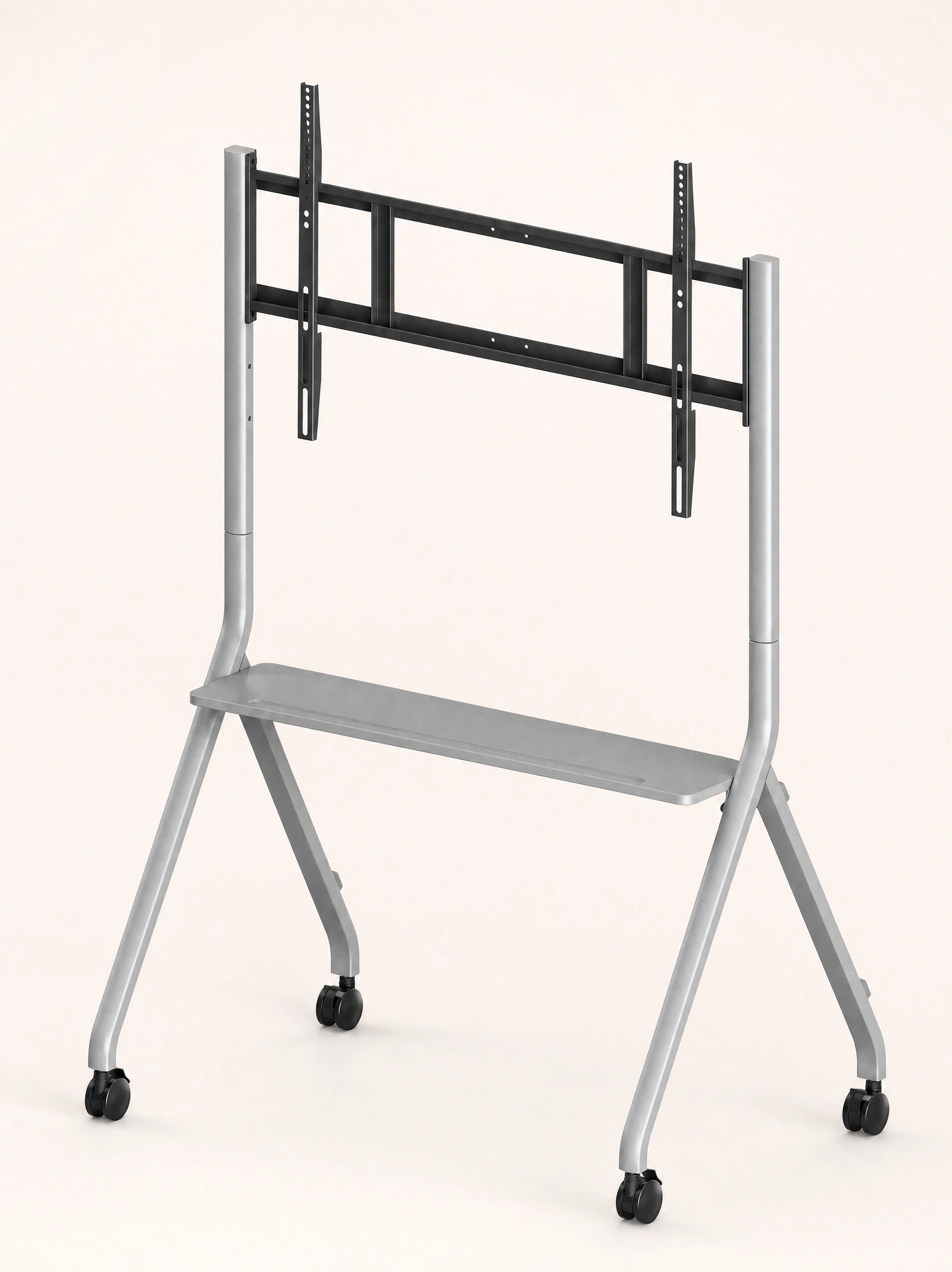
Plan the complete room
Make the workflow the proof.
Choose the environment, map the connection and test one real lesson before the configuration is final.
Environment
Choose where the work starts.
Plan around Android, the included Windows package and the applications your room actually uses. Confirm account and software requirements before ordering.
Connection
Map the whole path.
Check picture, sound, touch and power separately with the intended computer, cable and input. A visible picture does not prove the complete workflow.
Lesson test
Run the work that matters.
Open a real lesson, annotate it, save the result and switch sources. Record what works and what still needs confirmation.